
The UAN portal is part of EPFO’s digital service system. It is also called the Member e-Sewa portal and helps EPF members manage their provident fund account online. Employees can use it to view profile details, update KYC, check service history, file claims, transfer PF, add e-nomination, download UAN card, and access passbook-related services. Employees can also use the epfo member portal, epfo unified portal, member unified portal, EPFO passbook portal, and UMANG app for related services.
The portal is useful as it reduces the need to visit an EPFO office for many routine EPF services. Once your Universal Account Number, or UAN, is activated, you can log in with your UAN, password, and captcha. For some services, EPFO may also ask for an Aadhaar-linked mobile OTP, KYC approval, or employer verification.
UAN Member Portal Details
The UAN member portal is an online platform for EPF members. It connects your UAN with your EPF member IDs from different employers. This helps you manage PF details from one place, even when you change jobs.
| Term | Meaning | Used For |
|---|---|---|
| UAN | Universal Account Number | Unique number that links all EPF member IDs of an employee |
| UAN Member Portal | EPFO member login portal | Profile, KYC, claims, transfer, nomination, and UAN services |
| Member Home | Dashboard after login | Access to menus such as View, Manage, Account, Online Services, and Download |
| EPFO Member Passbook | Separate passbook login service | PF balance, contribution history, claim status, and member passbook |
| UMANG App | Government mobile app | UAN activation, passbook, claims, claim tracking, and Face Authentication services |
Services Offered on the UAN Member Portal
The member home EPFO dashboard gives access to several services. Some services are available directly inside the unified portal, while others may redirect to the passbook portal or UMANG app.
| Service | What You Can Do | Common Requirement |
|---|---|---|
| Profile | View name, date of birth, gender, mobile, email, and basic details | Activated UAN |
| KYC | Add or update Aadhaar, PAN, and bank account details | Employer or UIDAI verification may apply |
| Service History | View past and current employment records linked with UAN | Member IDs linked with UAN |
| Passbook Lite | View a quick summary of contributions, withdrawals, and balance | Logged-in member access |
| Member Passbook | View and download detailed EPF passbook | UAN and password |
| Online Claims | File withdrawal, advance, and pension-related claims | Aadhaar, bank KYC, PAN where needed, and mobile OTP |
| Claim History | Track submitted, approved, settled, or rejected claims | Submitted claim record |
| EPF Transfer | Transfer PF balance from previous employer to current PF account | Previous and current member IDs, verified KYC |
| UAN Card | Download UAN card in PDF format | UAN login |
| E-Nomination | Add nominee details for EPF, EPS, and EDLI benefits | Aadhaar-linked mobile and e-sign |
| Mark Exit | Update date of exit if employer has not updated it after leaving job | Aadhaar-linked mobile OTP |
| Face Authentication | Generate, activate, or authenticate UAN through UMANG using Aadhaar FAT | UMANG app, Aadhaar, Aadhaar-linked mobile, Aadhaar Face RD app |

How to Login to the UAN Member Portal
To use the EPFO member home services, you need an activated UAN and password. Keep your UAN, password, and registered mobile number ready before logging in.
- Visit the official EPFO Member e-Sewa portal.
- Enter your UAN in the login field.
- Enter your password.
- Type the captcha code shown on the screen.
- Click on sign in.
- After login, you will reach the member home dashboard.
- Use the menu options such as View, Manage, Account, Online Services, and Download.
Also Read: UAN Login
How to Activate UAN
UAN activation is required before you can use most services on the uan member portal. EPFO has also introduced UAN generation and activation through Face Authentication Technology on the UMANG app. If the member portal redirects you to UMANG for activation, follow the UMANG flow.
UAN Activation Through UMANG Face Authentication
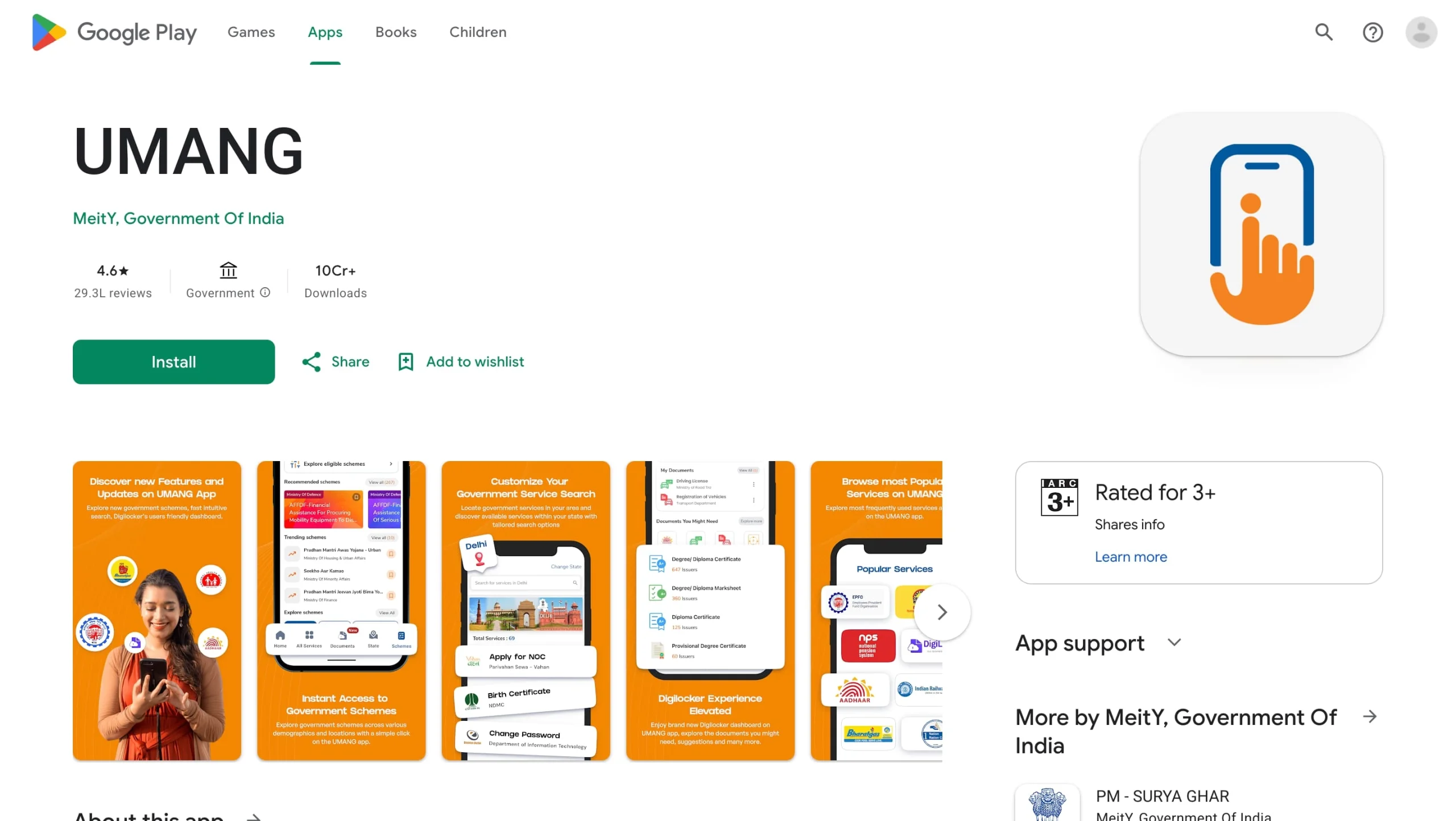
- Download the UMANG app from the official app store.
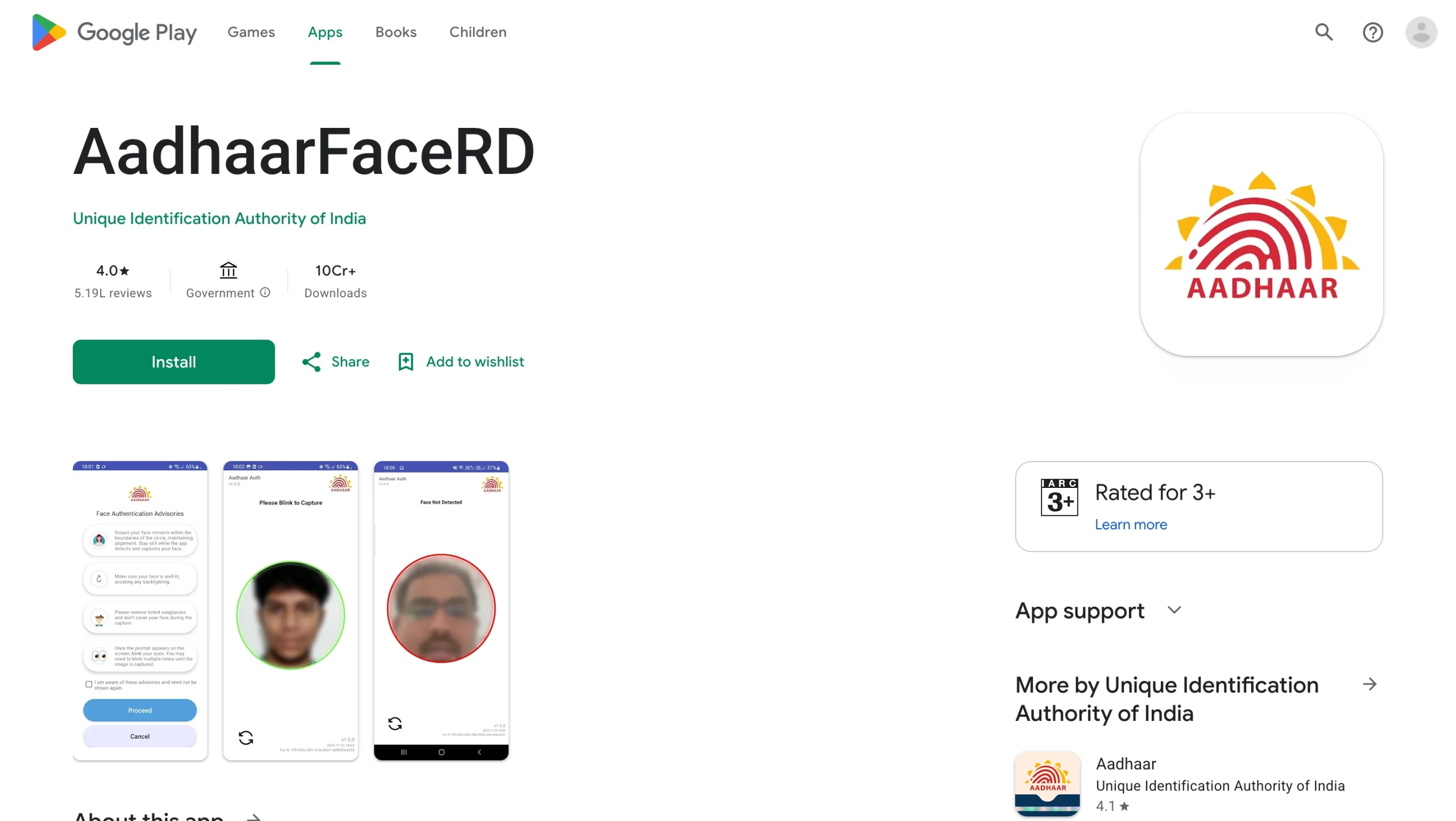
- Install the Aadhaar Face RD app if the process asks for it (make sure the app is manufactured by Unique Identification Authority of India).
- Open UMANG and search for EPFO services.
- Alternatively, you can directly search for UAN activation.
- Enter your UAN, Aadhaar number, and mobile number.
- Verify through OTP sent to the Aadhaar-linked mobile number.
- Complete face authentication using the Aadhaar Face RD app.
- Submit the request and wait for confirmation.
Details Needed for UAN Activation
| Detail | Why It Is Needed |
|---|---|
| UAN or Member ID | To identify the EPF account |
| Aadhaar number | For identity verification |
| Aadhaar-linked mobile number | For OTP verification |
| Name and date of birth | To match EPFO and Aadhaar records |
| Face authentication | For secure digital verification through UMANG, where applicable |
Also Read: UAN Registration
Passbook Lite & EPFO Member Passbook
Passbook Lite by EPFO gives members a quick summary of PF contributions, withdrawals, and balance inside the member portal itself. It helps users see important PF details without separately opening the full passbook portal every time.
The EPFO member passbook is more detailed. It shows contribution entries, employer share, employee share, pension contribution, withdrawals, transfers, and balance details for linked member IDs. Members can access it through the official passbook portal using UAN and password.
| Feature | Passbook Lite | Member Passbook |
|---|---|---|
| Access | Inside member portal | Separate EPFO passbook portal |
| View type | Summarised view | Detailed contribution record |
| Shows balance | Yes | Yes |
| Shows contribution history | Summary level | Detailed month-wise entries |
| Useful for | Quick balance check | Detailed PF tracking and download |
How to View Passbook Lite
- Log in to the uan portal with UAN, password, and captcha.
- Go to the passbook or Passbook Lite option, if visible in the member home dashboard.
- Select the member ID, if the portal asks for it.
- Check the summary of contributions, withdrawals, and balance.
- Use the full member passbook if you need detailed entries.
View or Download Member Passbook
- Open the official EPFO member passbook portal.
- Enter your UAN and password.
- Complete captcha and sign in.
- Select the member ID linked to your UAN.
- View the passbook entries.
- Download the passbook in PDF format if the option is available.
Check Service History on UAN Member Home
Service history shows your employment records linked to your UAN. It helps you confirm whether your previous and current employer details appear correctly. This matters during PF transfer, pension service calculation, and claim filing.
- Log in to the EPFO member portal or UMANG app with UAN and password.
- Go to the View menu.
- Select Service History.
- Check establishment name, member ID, date of joining, and date of exit.
- Report missing or wrong employment details to your employer or EPFO.
| Service History Detail | Why It Matters |
|---|---|
| Member ID | Shows each PF account linked to your UAN |
| Establishment name | Identifies the employer |
| Date of joining | Helps track service period |
| Date of exit | Needed for withdrawal and transfer |
| EPS joining details | Useful for pension-related eligibility |
How to Update KYC on the EPFO Member Portal
A EPFO UAN KYC update is one of the most important services on the employee PF portal. Many online claims and transfer services may fail if Aadhaar, PAN, or bank details are missing or incorrect.
- Log in to the member unified portal.
- Go to Manage.
- Select KYC.
- Choose the KYC type such as Aadhaar, PAN, or bank account.
- Enter the required details carefully.
- Click Save.
- Wait for approval or verification, if required.
- Check the status under pending KYC or approved KYC.
File Claims on the UAN Portal
Members can use the uan member portal to file online claims for PF advance, PF withdrawal, and pension-related benefits, subject to eligibility. The portal may show different claim forms depending on your service status, KYC, age, and reason for claim.
| Claim Type | Common Form | Purpose |
|---|---|---|
| PF Advance | Form 31 | Partial withdrawal for eligible reasons |
| Final PF Settlement | Form 19 | Withdraw EPF after leaving employment, subject to rules |
| Pension Withdrawal Benefit | Form 10C | Claim pension withdrawal benefit or scheme certificate, where eligible |
| Pension Claim | Form 10D | Monthly pension claim, subject to EPS rules |
| Transfer Claim | Form 13 | Transfer PF from previous employer to current account |
Steps to File an Online Claim
- Log in to the UAN member portal.
- Go to Online Services.
- Select Claim or Online Claim.
- Verify member details, KYC, and bank account information.
- Choose the claim type available for your profile.
- Select the claim reason and enter required details.
- Upload documents if the portal asks for them.
- Authenticate the claim using Aadhaar OTP.
- Submit the claim.
- Save the claim reference number for tracking.
Check Claims and Claim History
Claim history helps members track whether a claim is submitted, under process, approved, settled, or rejected. You can check claim status through the member portal, passbook portal, or UMANG app.
- Log in to the epfo member portal.
- Go to Online Services.
- Select Track Claim Status or Claim History.
- Choose the relevant member ID, if required.
- Check the current claim status.
- If rejected, read the reason and correct the issue before filing again.
Also Read: Check EPF Claim Status
How to Transfer EPF Online
EPF transfer helps members move PF balance from a previous employer’s member ID to the current employer’s PF account. This keeps your retirement savings in one place and helps maintain service continuity.
- Log in to the uan portal.
- Go to Online Services.
- Select One Member One EPF Account or transfer request option.
- Check personal details and PF account details.
- Select previous employer and current employer details.
- Choose attestation through previous or current employer, as available.
- Submit the transfer request.
- Authenticate using OTP, if required.
- Track transfer status through claim status or claim history.
How to Download UAN CardThe UAN card contains your Universal Account Number and basic member details. It is useful for record-keeping and sharing UAN details with a new employer.
|
Adding E-Nomination
E-nomination helps your family claim EPF, EPS, and EDLI benefits more smoothly in case of an unfortunate event. EPFO allows members to file and update e-nomination online during the service period.
- Log in to the member home dashboard.
- Go to ‘View’ and open Profile.
- Check and update your photo, address, and profile details if needed.
- Go to Manage.
- Select E-Nomination.
- Verify the details shown on the screen.
- Click Proceed.
- Select Yes for family declaration, if applicable.
- Add nominee details such as Aadhaar number, name, date of birth, relationship, address, bank details, and photo.
- Enter the share percentage for each nominee.
- Save nomination details.
- Use e-sign through Aadhaar OTP to complete the nomination.
Why E-Nomination Matters
|
How to Use Mark Exit
Mark Exit helps members update the date of exit if the employer has not updated it after the employee leaves the job. This may be needed before filing final settlement or transfer claims.
- Log in to the member unified portal.
- Go to Manage.
- Select Mark Exit.
- Choose the PF account number from the employment dropdown.
- Enter date of exit and reason of exit.
- Request OTP.
- Enter OTP received on Aadhaar-linked mobile number.
- Select the checkbox and submit the update.
Reset UAN Member Portal Password
If you forget your password, you can reset it through the member portal. You need your UAN and access to the registered mobile number. If your registered mobile has changed, the portal may ask for additional identity details.
- Open the member portal login page.
- Click Forgot Password.
- Enter UAN and captcha.
- Choose OTP verification through a registered mobile.
- Enter the OTP.
- Create a new password.
- Use the new password to log in again.
Check in detail: UAN Password Reset
Important Safety Tips for EPFO Members
EPFO warns members not to share personal or financial details with anyone. Members should never share UAN, password, Aadhaar, PAN, bank account details, or OTP with callers, agents, messages, or unofficial websites.
- Use only the official EPFO website, member portal, passbook portal, or UMANG app.
- Never share OTP or password with anyone.
- Do not pay money to anyone for claim filing or UAN activation.
- Keep your Aadhaar-linked mobile number active.
- Check PF contributions regularly through Passbook Lite or the member passbook.
- Raise a grievance through EPFiGMS if a service issue is not resolved.
- Inform your employer if your service history or exit date is wrong.
Common Issues Encountered on the UAN Member Portal
| Issue | Possible Reason | What You Can Do |
|---|---|---|
| Unable to log in | Wrong password, captcha error, or portal downtime | Reset password or try again later |
| Passbook not visible | New registration delay or exempted establishment | Wait for update or contact employer for PF statement |
| Claim rejected | KYC mismatch, bank issue, wrong details, or eligibility issue | Check rejection reason and correct details |
| Service history missing | Employer did not link member ID correctly | Contact employer or EPFO |
| OTP not received | Mobile not linked with Aadhaar or network issue | Check Aadhaar mobile linkage and try again |
| KYC pending | Employer approval or verification pending | Follow up with the employer. |
Final Thoughts
The UAN member portal is the main online gateway for EPF members. It helps employees manage PF details, check member passbook, file claims, transfer EPF, update KYC, download UAN card, add e-nomination, and view service history from one place.
Members should keep their UAN active, update KYC correctly, add e-nomination, and track PF contributions regularly. Passbook Lite can help with quick balance checks, while the epfo member passbook gives a detailed account view. For mobile-based services, UMANG also supports important EPFO services, including UAN activation and Face Authentication where applicable.
Use the UAN portal carefully and keep your login credentials private. A few minutes of regular checking can help avoid claim delays, transfer problems, and KYC errors later.

Download the Buddy Loan App Now!
One solution to each of your financial needs at your fingertip.

Scan to download now

