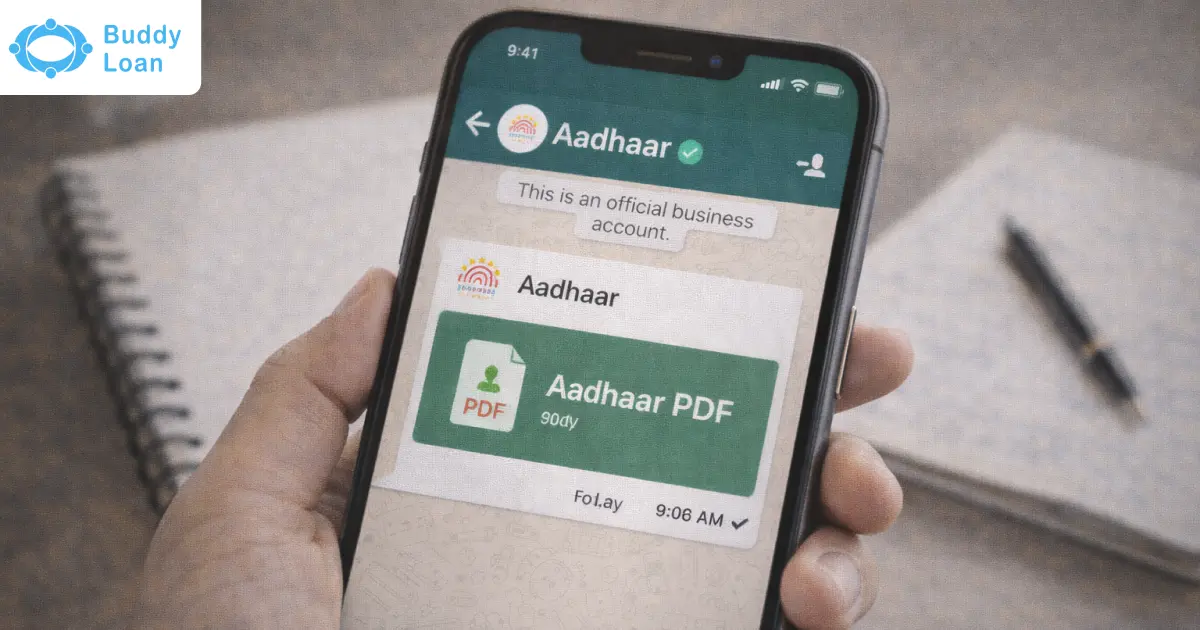
Misplacing your Aadhaar copy can be stressful, especially when you need it urgently for banking, KYC, SIM activation, or travel verification. Until recently, downloading Aadhaar meant visiting multiple websites, remembering passwords, or installing apps you barely used.
Now, there’s a simpler and more familiar option. You can download your Aadhaar directly on WhatsApp, using an official government-supported service. No searching through portals, no confusing forms. Just a verified WhatsApp chat, an OTP, and your Aadhaar PDF.
This guide explains exactly how it works, how safe it is, and how you can use it confidently.
What Does ‘Download Aadhaar on WhatsApp’ Mean?
Downloading Aadhaar on WhatsApp does not mean WhatsApp stores or generates your Aadhaar.
Here’s what actually happens:
- WhatsApp acts as a communication channel
- The request is handled by the MyGov Helpdesk, a government-authorised service
- Aadhaar is fetched securely from DigiLocker, which stores verified government documents digitally
- You authenticate the request using an OTP sent to your Aadhaar-linked mobile number
In short, WhatsApp is only the interface. Your data remains within government systems.

Checklist to Download Aadhaar on Whatsapp
Before initiating the process, make sure the following are in place:
- Your mobile number is linked to Aadhaar
- Your phone can receive OTP messages
- You have WhatsApp installed and updated
- You use only the official MyGov Helpdesk number
Official WhatsApp Number to Download Aadhaar: +91 90131 51515
Using any other number claiming to provide Aadhaar services is unsafe.
Steps on How to Download Aadhaar on WhatsApp
Check the detailed step-by step instructions to download your Aadhaar on Whatsapp.
Step 1: Save the Official Number
Save +91 90131 51515 as MyGov Helpdesk in your contacts.
Step 2: Start the WhatsApp Chat
Open WhatsApp and send a simple message like “Hi”.
You’ll receive an automated response with multiple service options.
Step 3: Choose DigiLocker Services
From the menu, select DigiLocker Services.
This connects your request to official digital document storage.
Step 4: Confirm Aadhaar Download Option
You’ll be guided to choose which document you want to access. Select Aadhaar.
Step 5: Enter Your Aadhaar Number
Carefully type your 12-digit Aadhaar number when prompted.
Ensure there are no spaces or typing errors.
Step 6: Verify with OTP
An OTP will be sent to your Aadhaar-linked mobile number.
Enter the OTP in the WhatsApp chat to confirm your identity.
Step 7: Receive Aadhaar PDF
Once verified, your Aadhaar PDF will be shared directly in the chat.
You can download it to your phone instantly.

Important Tips After Downloading
- Save the PDF in a secure folder on your device
- Do not forward it unnecessarily on WhatsApp
- For sharing with third parties, check if masked Aadhaar is sufficient
- Keep a backup in email or cloud storage you trust
Downloaded e-Aadhaar is legally valid for most verification purposes.
Also Read:Download Aadhaar with Mobile Number | Download Aadhaar with Name & DOB
Is Downloading Aadhaar on WhatsApp Safe?
Yes, when done correctly.
Here’s why this method is considered secure:
- Uses OTP authentication linked to Aadhaar
- No document is issued without user consent
- WhatsApp chat connects to official government platforms
- No third-party apps or links are involved
Safety Reminders
- Never share OTP with anyone
- Never download APK files claiming “Aadhaar access”
- Avoid unofficial WhatsApp numbers or links
- Enable WhatsApp two-step verification
Trust comes from using the right source, not the channel alone.
What If the WhatsApp Method Doesn’t Work?
Sometimes, issues can occur due to network problems or account linkage. If WhatsApp download fails, you still have reliable alternatives:
UIDAI MyAadhaar Portal
You can download e-Aadhaar using OTP or virtual ID through UIDAI’s official portal.
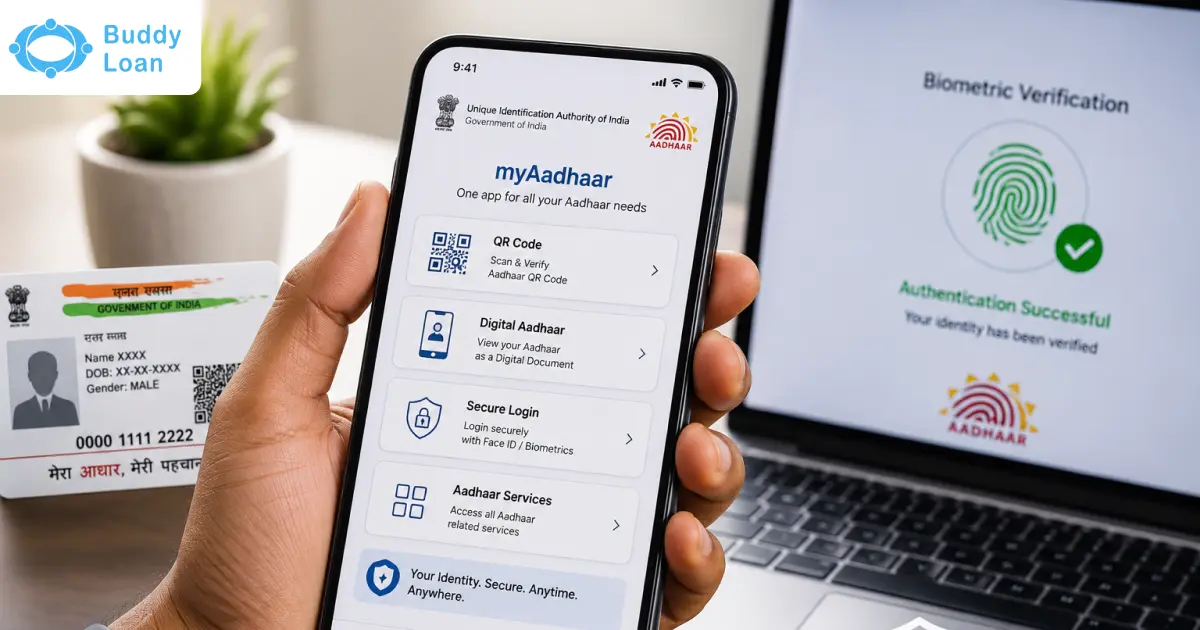
UIDAI’s app allows Aadhaar download, verification, and QR-based validation.
Both options are fully official and secure.
Common Issues While DOwnloading Aadhaar Online
OTP Not Received
Check network, restart phone, or retry after a few minutes. If your mobile number is not linked to Aadhaar, OTP will not arrive.
PDF Asks for Password
This is normal. Aadhaar PDFs are password-protected. The password format is typically based on your name and date of birth, as mentioned during download.
File Not Downloading
Free up storage space or switch network connection.
Final Takeaway
Downloading Aadhaar on WhatsApp is a practical, secure, and user-friendly solution designed for everyday needs. It removes complexity without compromising safety, as long as users rely only on official channels.

Download the Buddy Loan App Now!
One solution to each of your financial needs at your fingertip.

Scan to download now