Gone are the days when mobile connectivity required a tiny piece of plastic to slot into your phone. Today, the eSIM (embedded SIM) has become the new standard for seamless digital connectivity. With an eSIM, you don’t need a physical card you can buy and activate it online, download a profile to your device, and start using mobile services instantly.
In India, leading telecom operators like Jio, Vi (Vodafone Idea), and Airtel make it possible to purchase or convert to eSIM online. This guide covers everything you need to know about buying eSIM online in India, including step-by-step processes for Jio, Vi, and Airtel.
eSIM Guide and Why Buy Online
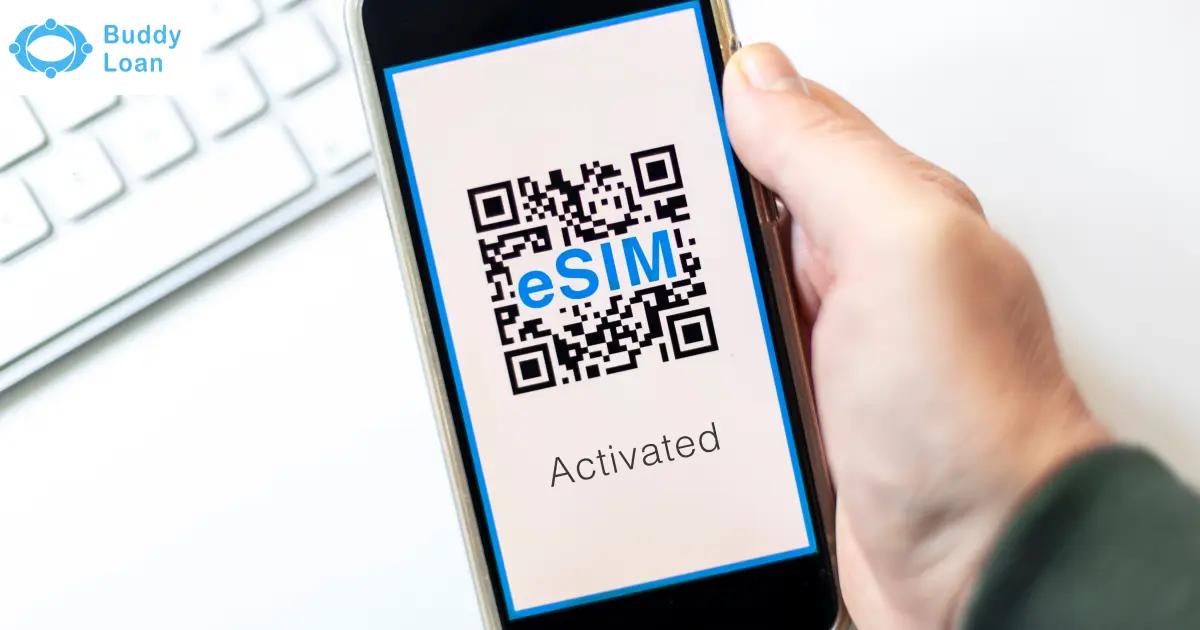
An eSIM (Embedded Subscriber Identity Module) is a digital version of the traditional SIM card. It is built directly into your smartphone, tablet, or smartwatch. Instead of inserting a physical SIM, you simply download a profile using a QR code or an app.
Key reasons to buy an eSIM online:
- Instant setup without visiting a store
- Convenience of downloading profiles digitally
- Dual SIM usage (physical + eSIM in the same phone)
- Eco-friendly, reducing plastic SIM cards
- Seamless connectivity on supported devices

Guide to Buy Jio eSIM Online
Jio offers one of the smoothest processes for activating Jio eSIM in India, with support for iPhones, Google Pixel, Samsung, and iPads.
Methods to Get Jio eSIM
Via SMS
- Send GETESIM <EID> <IMEI> to 199 from your Jio number.
- You’ll receive an SMS with further instructions.
- Confirm via IVR call when prompted.
- After verification, a QR code is sent to your registered email ID.
- Scan the QR code on your device to download the eSIM profile.
Via MyJio App
- Open the MyJio App and go to eSIM settings.
- Enter your 32-digit EID and 15-digit IMEI.
- Verify via OTP and consent call.
- Download the eSIM profile via QR code emailed to you.
Requirements for Jio eSIM
- Compatible device (iPhone XS and above, Google Pixel 3+, Samsung Galaxy S20+, iPads, and smartwatches)
- Registered email ID linked to your Jio account
- EID and IMEI details from your device settings
Buy Vi (Vodafone Idea) eSIM Online
Vodafone offers eSIM services to both prepaid and postpaid users, though with certain regional restrictions. Many customers choose Vi eSIM for its flexibility and compatibility.
Methods to Get Vi eSIM
Via MyVi App
- Log in to the MyVi app.
- Navigate: ‘Help’ and go to ‘Raise a Service Request’ and click on ‘Activate eSIM’.
- Enter your 32-digit EID and select device type.
- Verify using OTP sent to your number.
- Within about 15 minutes, you’ll get a notification or a QR code in your email.
- Download and install the eSIM profile.
Via SMS
-
From your Vi number, send: eSIM <EID> <Device Type> <Email ID> to 199.
- Use 1 for iOS, 2 for Android.
- Example for iPhone: eSIM 89049032000001012345678912345678 1 myemail@example.com
- Example for Android: eSIM 89049032000001012345678912345678 2 user@example.com
- Reply with eSIMY to confirm.
- Complete verification via IVR.
- Receive the QR code in your email, scan it, and activate.
Restrictions for Vi eSIM
- Not available in Himachal Pradesh, Jammu & Kashmir, Odisha, the North East, and Assam
- Requires correct email ID and EID details

How to Buy Airtel eSIM Online
Airtel provides one of the easiest ways to buy and activate an Airtel eSIM in India, supporting both prepaid and postpaid users.
Methods to Get Airtel eSIM
Via SMS
- Send SMS: eSIM <registered email ID> to 121.
- Reply with 1 within 60 seconds to confirm.
- Airtel calls you for final consent.
- The QR code is sent to your email within 30 minutes.
- Scan the QR code on your device to activate the eSIM.
Via Airtel Thanks App
- Open the app and go to ‘Upgrade to eSIM’.
- Enter your 32-digit EID from phone settings.
- Verify with the OTP sent to your Airtel number.
- Provide consent via call within 10 minutes.
- Configure eSIM in settings after about 2 hours.
For New Airtel eSIM Connections
If you are applying for a new Airtel eSIM connection, you must visit a nearby Airtel store with valid ID proof (such as Aadhaar card) to complete KYC verification and receive the eSIM profile.
Also Read: Airtel Data Loan Number
Comparing Jio vs Vi vs Airtel eSIM
The table below shows a comparison of Jio eSIM, Vodafone eSIM, and Airtel eSIM.
| Feature | Jio eSIM | Vi (Vodafone Idea) eSIM | Airtel eSIM |
|---|---|---|---|
| Availability | Pan-India | Not in HP, J&K, Odisha, NE, Assam | Pan-India |
| Supported Users | Prepaid & Postpaid | Prepaid & Postpaid | Prepaid & Postpaid |
| Activation | SMS to 199 / MyJio App | SMS to 199 / MyVi App | SMS to 121 / Airtel Thanks App |
| Smartwatch Support | Apple Watch, Samsung LTE | Apple Watch (postpaid only), Samsung LTE | Apple Watch, Samsung LTE |
| Strengths | Smooth activation, wide availability | Easy app activation, broad device support | Strong in-app process, reliable support |
Checklist Before You Buy an eSIM Online
Keep these points in mind before you buy an eSIM online:
- Confirm device compatibility (iPhone XS+, Samsung S20+, Pixel 3+, etc.)
- Get EID and IMEI from your device (*#06# or phone settings)
- Ensure registered email ID is correct
- Keep identity/address proof ready (sometimes required)
- Compare prepaid vs postpaid eSIM options before activation
Conclusion
Buying an eSIM online in India is simple with Jio, Vi, and Airtel offering SMS or app-based activation. Jio provides smooth pan-India availability, Airtel ensures a strong in-app process, and Vi is convenient but region-restricted.
The eSIM revolution is here, and switching today ensures more flexibility, security, and convenience for your digital lifestyle. For more in-depth insights, explore our guides on Jio eSIM, Vodafone eSIM, and Airtel eSIM.

Download the Buddy Loan App Now!
One solution to each of your financial needs at your fingertip.

Scan to download now