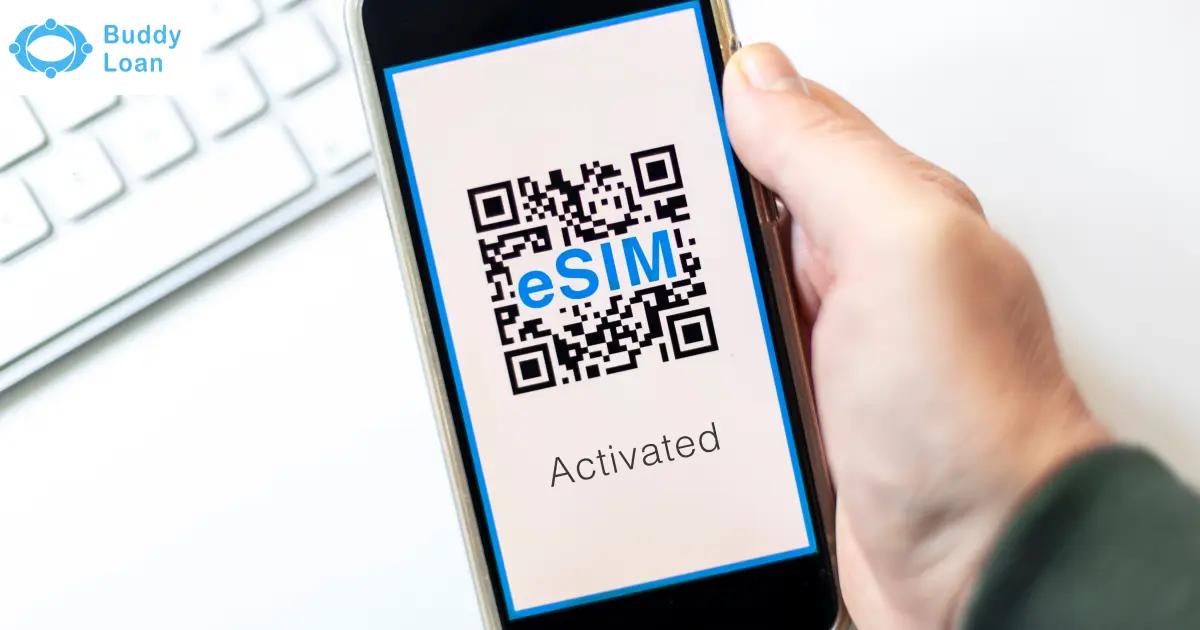
eSIM activation is the process of enabling the embedded SIM in your device by downloading a digital SIM profile from your carrier. Instead of waiting for a physical SIM card, you receive a QR code or app-based prompt to configure your number and mobile plan directly on your device.
In India, the top telecom operators: Jio, Vi (Vodafone Idea), and Airtel provide simple eSIM activation processes for smartphones, tablets, and smartwatches. This blog explains step-by-step how to activate an eSIM on each network, with additional tips for international travel.
Importance of eSIM Activation
Switching from a physical SIM to an eSIM is more than just a technological upgrade it’s about convenience, security, and flexibility. Here’s why activating an eSIM can make your mobile experience better:
- Quick Setup Without Visiting a Store
Activate your number instantly from home through SMS or apps, avoiding store visits and waiting for physical SIM deliveries. - Multiple Numbers or Profiles on One Device
eSIMs can store multiple profiles, allowing you to manage personal and work numbers or switch to local carriers while traveling. - Seamless Switching Between Operators and Plans
With eSIM, you can move between carriers or data plans directly from your device settings, without physically swapping SIM cards. - Reduced Risk of SIM Loss, Theft, or Damage
Since the SIM is digitally embedded, there’s no risk of losing, cloning, or physically damaging your SIM card. This adds an extra layer of security.

Jio eSIM Activation
Jio is among the first providers in India to support eSIMs and offers both SMS and app-based activation methods.
Activate Jio eSIM via SMS
- From your Jio number, send GETESIM <EID> <IMEI> to 199.
- You’ll receive a confirmation SMS with instructions.
- Verify consent through an automated IVR call.
- A QR code will be sent to your registered email ID.
- On your phone, go to ‘Settings’, select ‘Mobile Data’, click on ‘Add eSIM’, and scan the QR code.
Activate Jio eSIM via MyJio App
- Open the MyJio App and go to eSIM settings.
- Enter your 32-digit EID and 15-digit IMEI.
- Authenticate using OTP sent to your Jio number.
- Complete consent via IVR call.
- Download and activate the eSIM profile from the QR code emailed to you.

Vi (Vodafone Idea) Virtual SIM Activation
Vi offers eSIM activation for prepaid and postpaid customers. However, the service is not yet available in certain circles, including Himachal Pradesh, Jammu & Kashmir, Odisha, the North East, and Assam.
Activate Vi eSIM via MyVi App
- Log in to the MyVi app.
- Go to ‘Help’, select ‘Raise a Service Request’ and click on ‘Activate eSIM’.
- Enter your 32-digit EID and choose your device type.
- Verify using the OTP sent to your Vi number.
- Download and install the eSIM profile from a notification or QR code in your email.
Activate Vi eSIM via SMS
- From your Vi number, send: eSIM <EID> <Device Type> <Email ID> to 199.
- Use 1 for iOS and 2 for Android.
- Example for iPhone: eSIM 89049032000001012345678912345678 1 myemail@example.com
- Example for Android: eSIM 89049032000001012345678912345678 2 user@example.com
- Reply with eSIMY to confirm.
- Verify your identity via an IVR call.
- Receive a QR code via email.
- Activate it from Settings, go to ‘Mobile Network’ and click ‘Add eSIM‘.
Airtel virtual SIM Activation
Airtel supports eSIM for both prepaid and postpaid customers and provides SMS and app-based activation.
Activate Airtel eSIM via SMS
- Send SMS: eSIM <registered email ID> to 121.
- Reply with 1 within 60 seconds to confirm.
- Airtel will call you for final consent.
- You’ll receive a QR code on your registered email ID.
- Scan it in your phone’s settings to activate.
Activate Airtel eSIM via Airtel Thanks App
- Open the Airtel Thanks App and go to ‘Upgrade to eSIM’.
- Enter your 32-digit EID.
- Verify with the OTP sent to your Airtel number.
- Provide consent via automated call.
- Configure the eSIM profile after about 2 hours.
Jio vs Vi vs Airtel: Virtual Sim Activation
The table below shows a comparison of eSIM activation of Jio, Vodafone, and Airtel
| Feature | Jio eSIM | Vi eSIM | Airtel eSIM |
| Activation Method | SMS or MyJio App | SMS or MyVi App | SMS or Airtel Thanks App |
| Time Taken | 15 mins – 2 hours | 15 mins – 2 hours | 30 mins – 2 hours |
| Coverage | Pan-India | Excludes HP, J&K, Odisha, NE, Assam | Pan-India |
| Smartwatch Support | Apple Watch, Samsung LTE | Apple Watch (postpaid only), Samsung LTE | Apple Watch, Samsung LTE |
Conclusion
The process of eSIM activation is simple and secure with India’s major telecom providers. Jio offers smooth nationwide support, Airtel provides strong app-based activation, and Vi delivers flexibility, albeit with regional restrictions.
With growing device compatibility and smartwatch support, eSIM is quickly becoming the future of mobile connectivity. For deeper insights, explore our detailed guides on Jio eSIM, Vodafone eSIM, Airtel eSIM, and the Apple iPhone 17 Series eSIM to understand how the industry is evolving.

Download the Buddy Loan App Now!
One solution to each of your financial needs at your fingertip.

Scan to download now