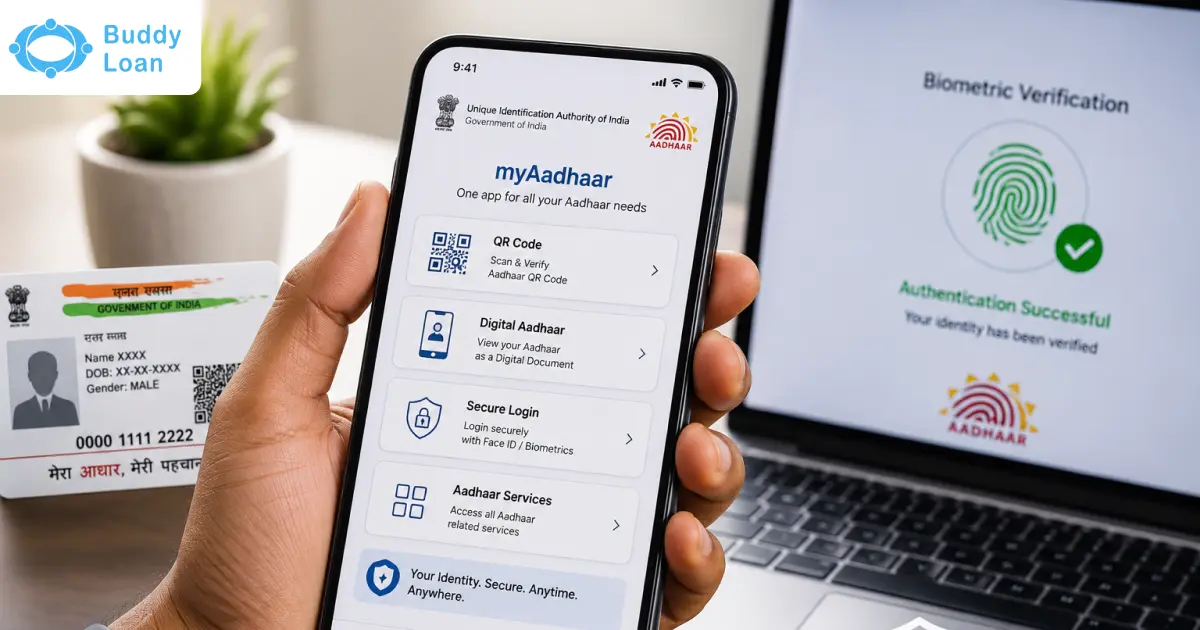
Aadhaar is a 12-digit unique identity number issued to Indian residents by the Unique Identification Authority of India (UIDAI). It is the largest biometric ID system in the world, and is used for a variety of services, such as banking, government subsidies, and income tax filing.
Updating your mobile number on your Aadhaar card is a crucial step to ensure uninterrupted access to essential services and transactions.
The blog provides you with the right information on how to easily update your mobile number in Aadhaar through online and offline.
Benefits of Updating Your Mobile Number in Aadhaar
An Aadhaar card can be used for a variety of services, including government and non-government services, subsidy benefits, pensions, scholarships, social benefits, banking services, insurance services, taxation services, education, employment, and healthcare.
Here are some of the other benefits of keeping your Aadhaar data mobile number up-to-date:
- Uninterrupted access to government services and information: Aadhaar is a mandatory requirement for many government services and transactions, such as opening bank accounts, obtaining mobile phone SIM cards, and applying for government subsidies. With timely updation of your phone number, you receive important updates and notifications about various services
- Enhanced security: Updating your mobile number in Aadhaar can help to improve the security of your Aadhaar account.
For example, if someone tries to access your Aadhaar account without your authorization, you will receive an OTP notification on your registered mobile number. This can help you to prevent unauthorised access to your Aadhaar data. - Convenient authentication: Many government and private sector organizations now offer Aadhaar-based authentication for their services. Having an updated mobile keeps you away from any hassle that may arise.
- Reduced risk of fraud: Updating your mobile number in Aadhaar can help to reduce the risk of fraud.
For example, if someone tries to use your Aadhaar number to open a fraudulent bank account or obtain a mobile phone SIM card, you will receive an OTP notification on your registered mobile number. This can help you to identify and report any fraudulent activity.

Methods to Update Mobile Number in Aadhaar Card
You can update your mobile number in Aadhaar using any of the following methods:
- Online: Visit the UIDAI website and follow the instructions to update your mobile number online.
- Offline: Visit an Aadhaar Seva Kendra and submit the Aadhaar Update/Correction Form.
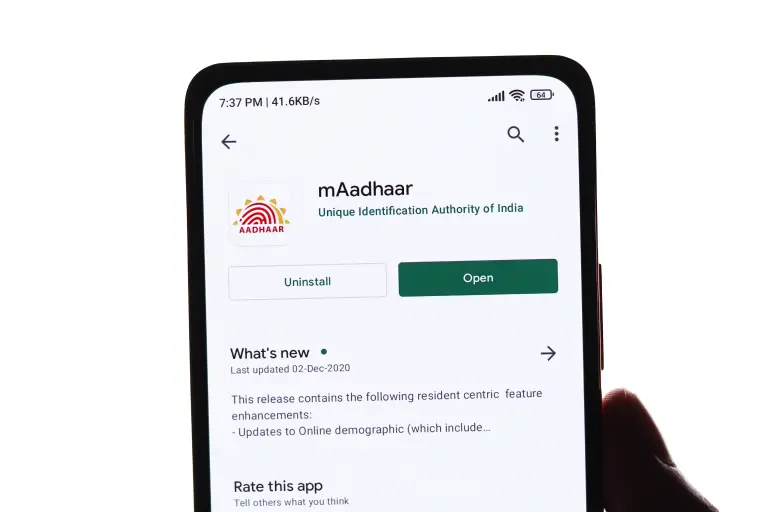
Updating Mobile Number in Aadhaar Online
Updating your mobile number in Aadhaar online is a straightforward process that you can complete from the comfort of your home.
Here’s how you can do it:
Step 1: Visit the UIDAI Official Website
Visit the official website of the Unique Identification Authority of India (UIDAI) at https://uidai.gov.in/. This is the primary platform for all Aadhaar-related services.
Step 2: Click on ‘Aadhaar Update’
On the UIDAI website’s homepage, locate and click on the “Aadhaar Update” section. This will lead you to the Aadhaar Self Service Update Portal.
Step 3: Enter Your Aadhaar Number
You’ll be prompted to enter your 12-digit Aadhaar number. After entering your Aadhaar number, you’ll receive an OTP (One-Time Password) on your registered mobile number.
Step 4: Enter the OTP
Enter the OTP received on your registered mobile number to verify your identity. This step ensures the security of your mobile number update request.
Step 5: Select the ‘Mobile Number’ Field
Choose the “Mobile Number” field to update your mobile number. Ensure that you enter the new mobile number accurately.
Step 6: Submit the Update Request
After entering the new mobile number, review the information for accuracy and click on the “Submit” button to proceed.
Step 7: Confirm the Mobile Number Update
You will receive a confirmation message on your screen, indicating that your mobile number update request has been successfully submitted.
Step 8: Visit an Aadhaar Enrollment Center (If Needed)
In some cases, you may be required to visit an Aadhaar Enrollment Center to complete the mobile number update. You can check the status of your update request to see if this step is necessary.

Updating Mobile Number in Aadhaar Offline
If you prefer to update your mobile number in Aadhaar offline, you can do so by visiting an Aadhaar Enrollment Center.
Here’s how:
Step 1: Locate the Nearest Aadhaar Enrollment Center
Use the UIDAI website to locate the nearest Aadhaar Enrollment Center. You can access the “Locate Enrollment Center” tool on the website.
Step 2: Visit the Enrollment Center
Once you’ve identified the nearest center, visit it during its operating hours. Remember to carry your Aadhaar card and proof of identity with you.
Step 3: Fill Out the Aadhaar Update Form
At the Enrollment Center, you will be provided with an Aadhaar Update Form. Complete the form with the updated mobile number.
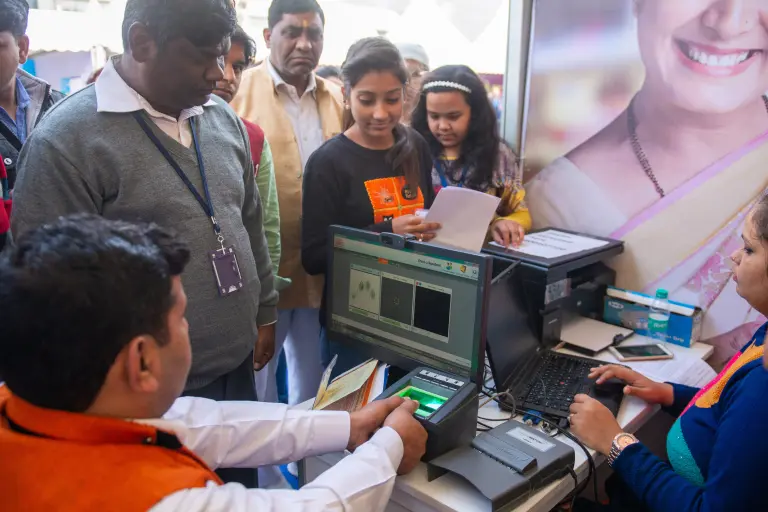
Step 4: Biometric Authentication
Your biometric data, including fingerprints and iris scans, will be captured to verify your identity.
Step 5: Submit the Form
Hand over the filled-out form to the Aadhaar Enrollment Officer, who will guide you through the process.
Step 6: Receive Acknowledgment
After processing your request, you will receive an acknowledgment slip. This slip contains an Update Request Number (URN) that you can use to track the status of your mobile number update.
Step 7: Check Aadhaar Update Status
To monitor the status of your mobile number update request, visit the UIDAI website and click on the “Check Aadhaar Update Status” option. Enter your Aadhaar number and URN to check the progress.
Documents Required for Mobile Number Update
Whether you choose to update your mobile number online or offline, you will need to provide a valid proof of address.
Here are some of the commonly accepted documents:
- Passport
- Voter ID
- Ration card
- Utility bills (electricity, water, gas)
- Bank statement/passbook
- Driving license
- Government-issued photo ID cards
Note: The list of accepted documents may vary, and it’s advisable to check the UIDAI website or contact the enrolment centre for the most up-to-date information.
Points To Keep In Mind Before Updating Mobile Number In Aadhaar
Normally 90% of the requests are completed within 30 days. There are no restrictions in how many Aadhaar are linked with the same mobile numbers. However, people are advised to link their Aadhaar card their own number. Let’s look in to some more key points before updating your mobile number in Aadhaar:
- Verify Documents: Ensure you have valid proof of address documents ready, as they are required for the update process.
- Registered Mobile Number: If your existing registered mobile number is active, consider updating your mobile number online for convenience.
- Offline Option: If you don’t have an active registered mobile number, visit an Aadhaar Enrolment Centre for an offline update.
- Free Update: As of my last update in September 2021, Aadhaar updates were free once every 6 months. Check the current policy for any changes.
- URN Acknowledgment: Keep the Update Request Number (URN) acknowledgment slip safe, as it can be used to track your update request’s status.
- Patience: Updates may take 10-15 days to reflect in your Aadhaar. Be patient and check the status on the UIDAI website.
In addition to these benefits, updating your mobile number in Aadhaar is also a simple and easy process. You can do it online or at an Aadhaar enrollment center.If you have not yet updated your mobile number in Aadhaar, We highly recommend that you do so as soon as possible. It is a simple step that can offer you a number of benefits. By keeping your Aadhaar details up-to-date, you can access various updates and various important information regarding government services.

Download the Buddy Loan App Now!
One solution to each of your financial needs at your fingertip.

Scan to download now


Frequently Asked Questions
Q. Can I change my mobile number in an Aadhaar card online without OTP?
A. No, an OTP is mandatory to update your mobile number in Aadhaar online. It serves as a security measure to ensure that only the cardholder can update the mobile number.
Q. Is there an Aadhaar card mobile number update form available online?
A. Yes, you can find the Aadhaar update form online on the UIDAI website. However, the form must be submitted at an Aadhaar Enrollment Center for offline updates.
Q. How can I link my mobile number to my Aadhaar card online at home?
A. To link your mobile number to your Aadhaar card online, follow the steps outlined in the blog above. It can be done from the comfort of your home using the Aadhaar Self Service Update Portal.