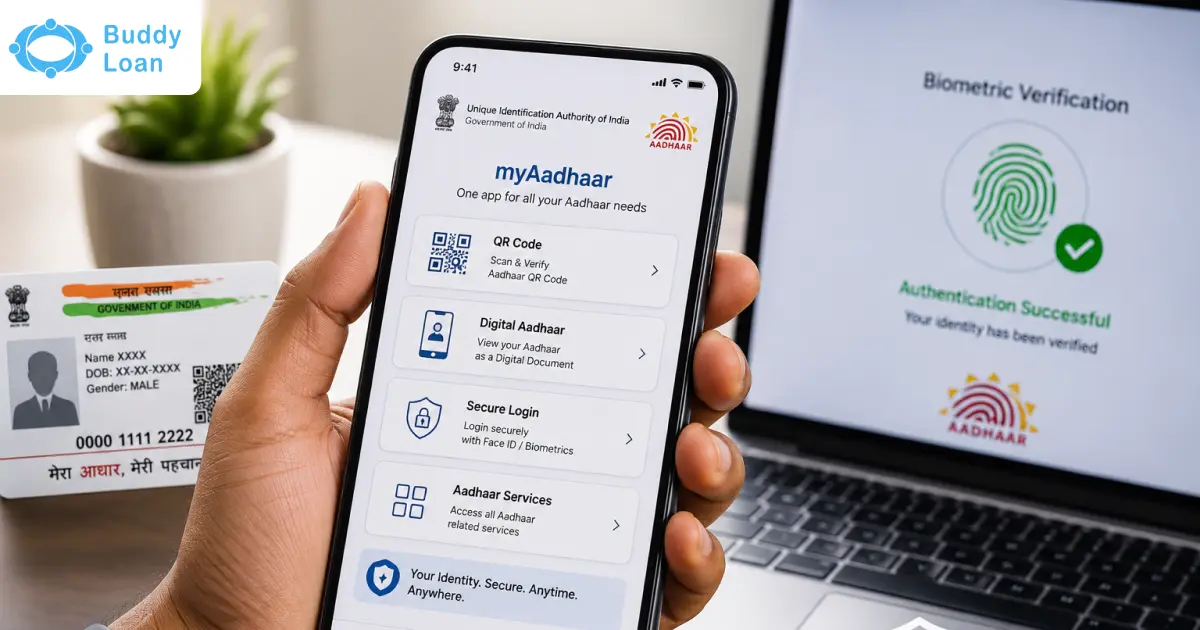
If you have not linked your mobile number with Aadhaar, and you want to update your number, you can easily do it both offline or online. Updating an Aadhaar number is an easy and straightforward process.
This blog will cover all the necessary information on linking your mobile number to your Aadhaar.
But, Why do we need to link our mobile to number with our Aadhaar card?

Why Link Your Mobile Number with Aadhaar?
Aadhaar is a 12 digit unique identity number that holds the key for all your important information. Linking the mobile number with Aadhaar revolutionises how you interact with government services, conduct financial transactions, and receive crucial updates.
Aadhaar services were launched to keep Indian citizens updated of the latest state and central government schemes. It enables people to interact with the schemes and get it, if they are interested and eligible for it. As most people have mobile phones, linking your private number with Aadhaar is increasingly important. Likewise there are some major benefits of linking mobile number with Aadhar, let;s look into it one by one:
Identity Verification:
Linking your mobile number to Aadhaar helps in verifying your identity, ensuring that your Aadhaar card is associated with a legitimate phone number.
Government Services:
Many government services and subsidies require Aadhaar authentication, and linking your mobile number facilitates seamless access to these services.
Receive Updates:
By linking your mobile number, you’ll receive important updates and notifications related to your Aadhaar card, keeping you informed about any changes or actions needed.
Aadhaar-Based Transactions:
Linking your mobile number is crucial for Aadhaar-based transactions, including e-KYC (Know Your Customer) processes for financial services.
Government Schemes:
Access to government schemes and benefits, like subsidies for LPG or direct cash transfers, often require Aadhaar linkage for efficient disbursement.
Reduced Red Tape:
It minimises bureaucratic hassles by streamlining the verification process for various services, making them faster and more efficient.
Stay Connected:
Linking your mobile number ensures that you stay connected with Aadhaar-related updates, helping you stay compliant with government regulations.

It’s a crucial to streamline various transactions and stay informed about your Aadhaar card’s status and changes. You can get help offline from the Permanent Enrolment Centre. Another way to link your mobile number with Aadhaar is by following the steps below-
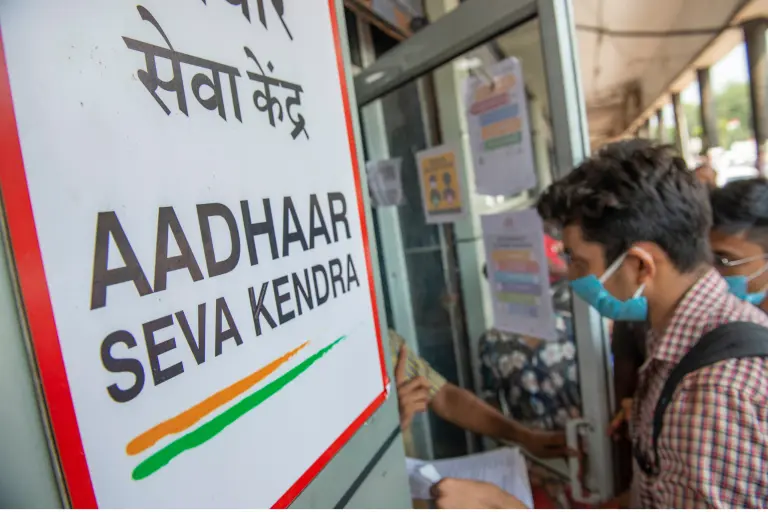
Step By Step Guide To Link Your Mobile Number With Aadhaar
As per UIDAI, if you have not registered your mobile number while enrolling for Aadhaar, you are required to visit a Permanent Enrolment Centre to get it registered. Please follow the steps given below:
Keep Your Aadhaar Card and Mobile Ready
Before you begin, ensure you have your Aadhaar card and the mobile number you want to link with it. Make sure your mobile phone has a stable internet connection.
Visit the UIDAI Official Website
Open your preferred web browser and go to the official website of the Unique Identification Authority of India (UIDAI), which is the governing body for Aadhaar-related services.
The official website is https://uidai.gov.in/.
Click on “Aadhaar Services”
On the UIDAI website, you will find a section called “Aadhaar Services.” Click on it.
A dropdown menu will appear with various options. Select “Aadhaar Card-Mobile Number Link.”
Enter Your Aadhaar Number
You will be directed to a new page where you need to enter your 12-digit Aadhaar number. Type it carefully to avoid errors.
After entering your Aadhaar number, fill in the security code displayed on the screen.
Click on “Send OTP.”
Receive and Enter the OTP
You will receive a One-Time Password (OTP) on the mobile number linked to your Aadhaar. It may take a few minutes.
Enter the OTP in the space provided on the website and click on “Submit OTP.”
Verify OTP and Proceed
After submitting the OTP, the website will verify it. Once verified successfully, you will be directed to a new page.
Link Your Mobile Number
On the new page, you will see an option to “Link Your Mobile Number.”
Enter the mobile number you want to link with your Aadhaar card. Double-check to ensure it’s correct.
Click on “Submit.”
Confirmation
After submitting the mobile number, you will see a confirmation message on the screen. It will inform you that your mobile number has been successfully linked to your Aadhaar card.
You will also receive a confirmation message on your registered mobile number.
Check the Status of Mobile Number Linkage
To verify that your mobile number has been linked to your Aadhaar card successfully, you can use the “Check Aadhaar & Bank Account Linking Status” option on the UIDAI website.
Enter your Aadhaar number and the security code, then click on “Send OTP.”
You will receive an OTP on your linked mobile number. Enter it and click on “Submit OTP.”
The website will display the status of your Aadhaar-mobile number linkage.
That’s it! You’ve successfully linked your mobile number to your Aadhar card. This linkage enhances the security and efficiency of Aadhar-related services, allowing you to access various government and private services seamlessly.
Make sure to keep your Aadhar card and linked mobile number secure for a smooth experience with Aadhar-related transactions and updates.
Hope this blog has helped with all your queries of how to link your mobile number with Aadhaar?.. Which method looks more convenient to you, online or offline.. Let us know in the comments. Download Personal Loan App
Download the Buddy Loan App Now! One solution to each of your financial needs at your fingertip. Scan to download now



Suggested Read: Police Clearance Certificate for Passport