

Linking your PAN or Permanent Account Number with your bank account has become the norm these days, due to the various benefits it brings. Likewise, linking your PAN with your State Bank of India (SBI) account is essential for seamless financial transactions and adherence to tax regulations.
There are various ways to link your bank account with your PAN number. These include both online and offline methods, which are explained in simple steps below.
Keep reading to also learn the importance of linking PAN Card with SBI account, benefits, status check, and more!
Linking your PAN card with your SBI account makes transactions easier, helps with tax compliance, and avoids higher TDS deductions. It also speeds up tax refunds and ensures smooth banking.


Ways to Link PAN Card with SBI Account
As mentioned earlier, there are multiple methods to link PAN Card with your SBI account. Have a look at each of them:
Link PAN Card with SBI Account Online
Follow the steps below to link your PAN Card with your SBI account online:
-
- Visit the official portal of SBI Internet Banking and log in.
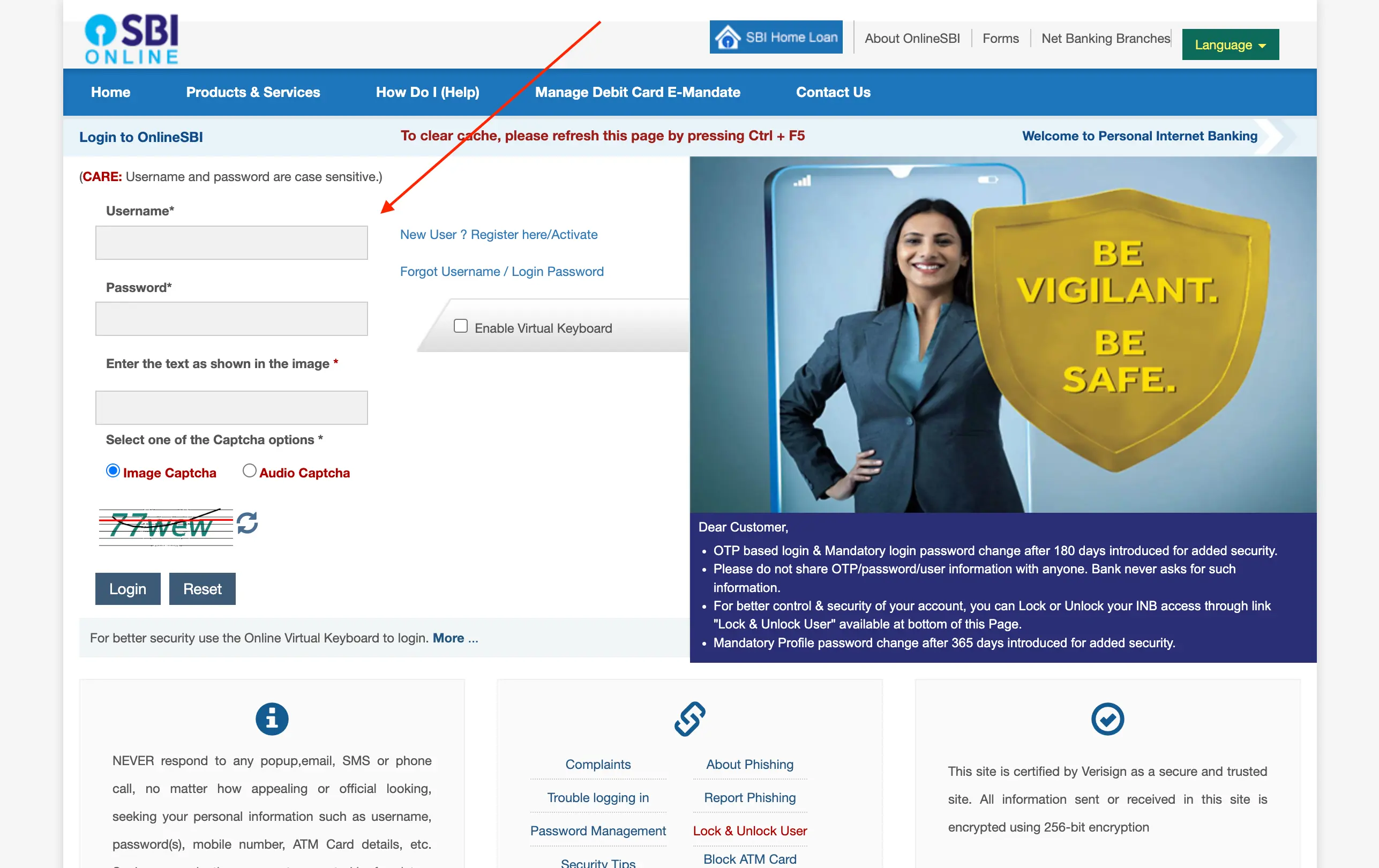
- Go to ‘Profile-PAN Registration’ under ‘My Accounts’, on the left panel of the screen.
- Select the Account number and enter the PAN number.
- Click on Submit.
Once you have completed these steps, your request to link PAN with your SBI account will be forwarded to the respective branch for processing.
The branch will process your request in 7 days. An SMS regarding its status will be sent to your registered mobile number.
Not sure of your credit score? Check it out for free now!

Link PAN Card with SBI Account Offline
The steps to link a PAN Card with SBI account offline are as follows:
- Visit your nearest SBI Branch.
- Provide a copy of your PAN Card.
- Fill in a Letter of Request.
- Submit the above with the Xerox copy of your PAN Card.
Once the verification is completed, the bank branch will proceed with linking the bank account with PAN. An SMS will be sent to your registered mobile number regarding its status.
Steps to Check PAN Card Status in SBI Portal
To check your PAN Card status in SBI, below are the easy-to-follow steps:
- Visit the official portal of SBI Internet Banking and log in.
- Go to the ‘My Accounts & Profile’ tab, select ‘Profile’, and then click on ‘PAN Registration’.
- On the ‘PAN Registration’ page, click on the ‘Status’ option next to ‘Create Request’.
- View the current status of your PAN link request.
Get a quick loan at low interest rates!

Importance of Linking PAN Card with SBI Account
Various reasons make linking your PAN Card with your SBI account crucial. These are:
- The Income Tax Department has made it mandatory to link PAN Card with bank accounts to track financial transactions and ensure smooth tax filing.
- Since PAN Cards are mandatory for transactions above ₹50,000, linking PAN with an SBI account enables smooth transactions.
- A linked PAN ensures that income tax refunds are directly credited to your bank account quickly unlike the delays in manual processes.
- Linking PAN with a bank account helps in KYC compliance strengthens security and ensures authenticity in banking.
Linking PAN helps banks identify and prevent duplicate accounts and maintains original financial identity.
Looking for a personal loan?