Monitoring your bank account balance regularly is advised to maintain healthy finances as it enables careful spending and prevents potential overdrafts. IDFC Bank offers multiple convenient options to view your balance, suiting both digital services and in-person banking. Also, up-to-date balances are readily accessible through IDFC’s first bank balance check number.
Ways To Check Your IDFC Bank Account Balance
Having immediate access to your account balance is more crucial than ever. For customers of IDFC First Bank, checking this information is remarkably simple and convenient. This is made possible through a variety of methods designed for your preferences.
- Mobile Banking App
- Internet Banking
- SMS Banking
- ATM Services
- IDFC First Bank Check Toll-Free Numbers
These methods are customised to suit various preferences, ensuring that customers can conveniently access their financial information whenever they need it.

IDFC First Bank Balance Check Toll-Free Numbers
To help IDFC First Bank account holders stay informed about their account balance, the bank provides a list of toll-free numbers customers can use to check their balance. These numbers offer convenience and accessibility, allowing customers to quickly obtain the information they need.
Below is a table containing the primary toll-free number provided by IDFC First Bank to check account balance:
| Service | Contact Number | Working Hours |
| Customer Care | 1800 10 888 | We are available 24×7 all days of the year |
Please Note:
- Make sure you send the SMS from your registered mobile number with IDFC First Bank.
- You will receive an SMS response with your current account balance and possibly the last few transactions.
- Standard message charges may apply, depending on your mobile plan.

IDFC First Bank Balance Check Via SMS
IDFC First Bank customers can easily check their account balance through SMS. This service is available 24/7 and can be accessed from anywhere.

You can opt out of using apps and websites and instead make use of the simple convenience of SMS banking to quickly check your balance. Here’s how:
Using Only The Service Code
- Open your message app on your phone.
- Type BAL or BALANCE in the message body.
- Send the message to 5676732.
Using The Service Code & the Last 4 Digits Of Your Account Number
- Open your message app on your phone.
- Type BAL or BALANCE followed by a space and the last 4 digits of your account number. For example, if your account number is 1234567890, you would type BAL 7890.
- Send the message to 9289289960.
IDFC First Bank also offers other methods for checking account balances, such as mobile banking apps and online banking portals.
Note:
- Make sure you are sending the message from your mobile number registered with IDFC First Bank.
- You will receive an SMS response with your current account balance.
- You can also check your last 5 transactions by sending MINISTMT or MINISTATEMENT to 5676732.
IDFC First Bank Balance Check Via Mobile Banking App
IDFC First Bank offers its customers the convenience of checking their account balance through its mobile banking app. This feature allows users to stay updated on their account balance anytime and anywhere, providing a seamless banking experience.
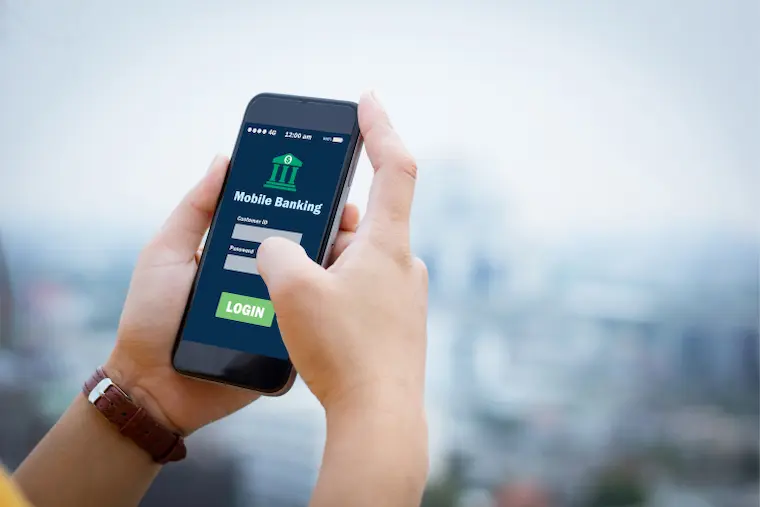
Mainly there are two ways to check your balance in IDFC First Bank via the mobile banking app:
Using The App Interface
- Open the IDFC FIRST Bank mobile app.
- Log in using your username and password (the same as for internet banking).
- Once logged in, your account balance will be displayed prominently on the home screen of the app.
- You can also tap on the “Accounts” tab at the bottom of the screen and then select the specific account you want to view the balance for.
Using Quick Balance
- Open the IDFC FIRST Bank mobile app.
- Enable Quick Balance in the app settings if it’s not already enabled.
- Swipe down on the home screen of the app.
- You will see your account balance displayed with no need to log in.
Checking your IDFC First Bank account balance via the mobile banking app is a simple and efficient way to manage your finances on the go.
IDFC First Bank Balance Check Via Internet Banking
IDFC First Bank offers a range of convenient and secure banking services to its customers, including balance inquiry through internet banking. To check your account balance online, you need to register for IDFC First Bank’s internet banking service, which you can do by visiting the bank’s website or branch.

Here’s how to check your balance in IDFC First Bank via internet banking:
Steps:
- Visit the IDFC First Bank website
- Click on “Login” in the top right corner.
- Enter your username and password.
- Click on “Login”.
- You will be taken to your online banking dashboard.
- Your account balance will be displayed prominently on the dashboard.
Prerequisites:
- You must be registered for IDFC First Bank’s internet banking service.
- You will need your login credentials (username and password) and a registered mobile number.
Always ensure that you log out of internet banking or mobile banking after use and avoid sharing your user ID, password, or OTP with anyone, including bank representatives.
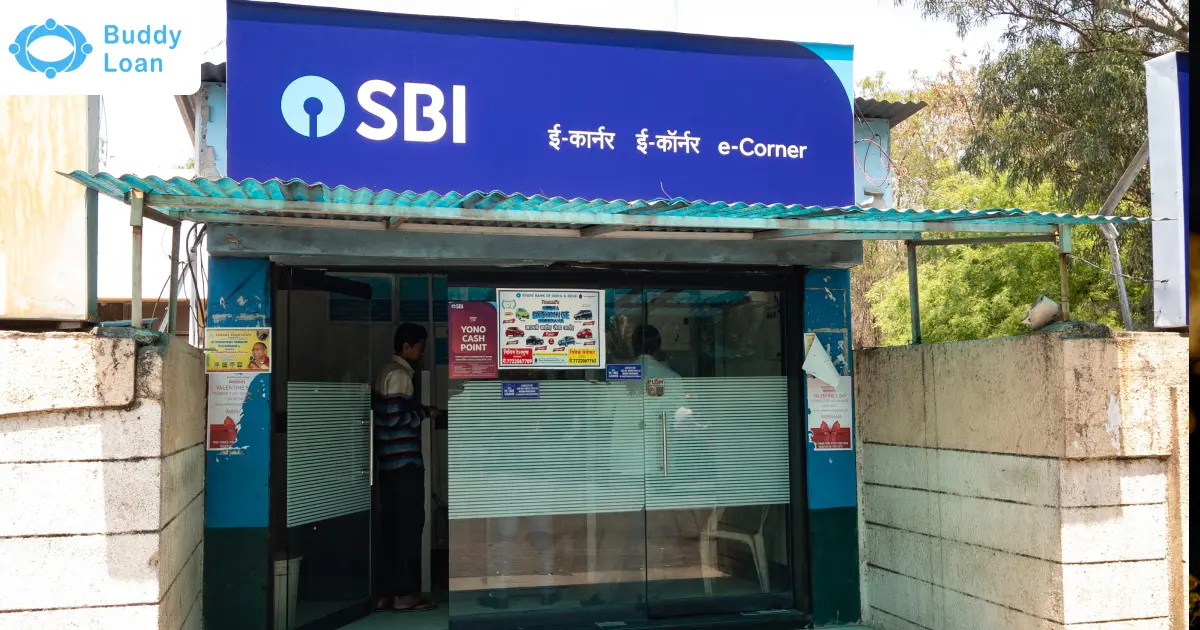
IDFC First Bank Balance Check Via ATM
IDFC First Bank is a private sector bank in India that offers a range of banking services, including deposit accounts, loans, and cards. One of the convenient ways to check the balance of your IDFC First Bank account is by using an ATM.
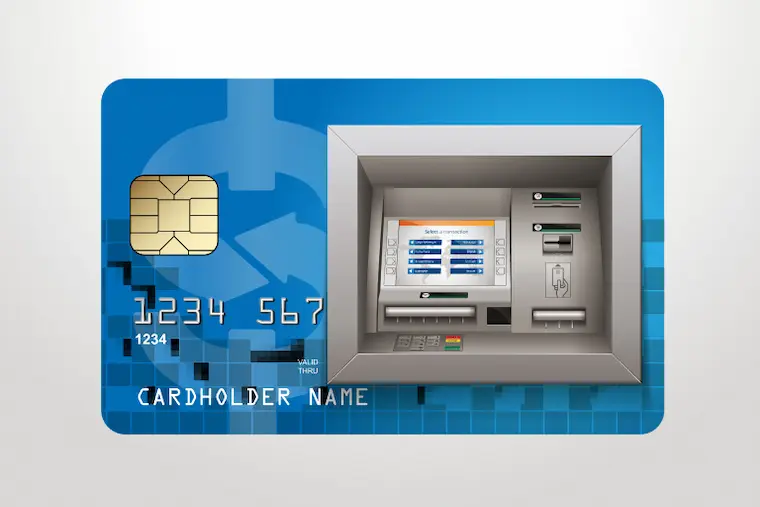
Follow these steps:
- Insert your debit card: Put your IDFC First Bank debit card into the ATM slot with the chip facing upwards.
- Select your preferred language: Choose your preferred language on the ATM screen.
- Enter your PIN: Key in your 4-digit ATM PIN securely.
- Select the balance inquiry option: Look for options on the screen like “Balance Enquiry,” “Account Information,” or “Mini Statement.” Choose the option that displays your account balance.
- Review your balance: The screen will display your current account balance and potentially some recent transaction details.
By following these steps, you can easily check your IDFC First Bank balance via ATM anytime and anywhere. Make sure to protect your card and PIN from unauthorised access and report any suspicious activity to your bank immediately.
Checking your IDFC First Bank account balance is a quick and convenient process. Using alternative methods like mobile banking or net banking might be more convenient and potentially avoid any ATM fees. Choose the method that best suits your needs and preferences, and ensure you prioritise secure practices like safeguarding your PIN and login credentials.
For any further assistance or inquiries, contact IDFC Bank directly through their customer care channels.
Download the Buddy Loan App Now! One solution to each of your financial needs at your fingertip. Scan to download now



Frequently Asked Questions
Q, How do I check my IDFC First Bank account balance via missed call?
A. To check your IDFC First Bank account balance via missed call, simply dial 1800 2700 720 from your registered mobile number.
Q. What’s the process for registering for IDFC First Bank’s missed call balance check service?
A. No registration needed for IDFC First Bank’s balance check. Dial 1800 2700 720 from your registered mobile for SMS balance.
Q. How can I obtain my IDFC First Bank mini statement through missed calls or SMS?
A. IDFC First Bank currently doesn’t offer mini statements via missed calls. You can check your last 5 transactions through SMS banking, but not a full mini statement.
Q. What steps do I take to receive my IDFC First Bank e-statement through internet banking or email?
A. Access your IDFC First Bank e-statement online or via email by logging in and selecting your preferred download or email option for the chosen period.
Q. How do I update my mobile number for IDFC First Bank balance check services?
A. You can update your mobile number for IDFC First Bank balance check services by visiting your nearest branch or contacting customer care at 1800 10 888.
Q. Are there any charges associated with IDFC First Bank’s balance check service?
A. IDFC First Bank provides free balance checks via mobile app, internet banking, and missed call to a specified number, as long as you meet the minimum balance requirement.