Maintaining a consistent recharge schedule helps you make the most of your mobile plan benefits. Many mobile plans offer a variety of perks such as data allowances, free calls, and access to exclusive content. By keeping your recharge up to date, you can fully utilize these benefits without any interruptions.
But don’t worry, Vodafone users! This complete guide provides you with the latest USSD codes and SMS tricks to easily manage your balance, data usage, and plan validity.
With the help of these codes and tricks, you can ensure that you’re making the most of your Vodafone services. Whether you need to check your balance, monitor your data usage, or verify your plan validity, this guide has got you covered with simple and effective methods.
Various Methods for Checking Vodafone Balance
There are several convenient ways to check your Vodafone balance and cater to various preferences and situations. Here are the most common methods:
Vi USSD Codes:
| Function | USSD Code | Description |
| Main Balance Check | *199# | Displays your main balance for calls and SMS, along with your plan’s validity. |
| Data Balance Check | 1112*2# | Shows your remaining data balance from your current plan. |
| Validity Check | *147# | Displays the expiry date of your current plan. |
| Active Services Check | 1212*2# | Lists all currently active services on your Vodafone number. |
Important Points to Note:
- These codes work for both Vodafone and Idea subscribers under the Vi brand.
- Dial 198 for customer care assistance if needed.

Vi App:
- Download the Vi app and Log in, and the dashboard showcases your current balance, data usage, and validity. You will even get convenient recharge options.
- The app provides details of your data usage by day, week, and month, categorised by app.
SMS:
This table outlines SMS codes for checking your Vodafone (Vi) balance:
| SMS Content | Send To | Information Received |
| BAL | 121 | Detailed balance info including: Main balance for calls and SMSValidity date Recharge balance Active services Plan benefits |
| DATAUSAGE | 55333 | 24-hour breakdown of data usage categorised by: Internet /Calls/SMS |
| MAIN BAL | 144 | Main balance for calls and SMS only |
| DATA BAL | 144 | Remaining data balance from your current plan |
Additional Notes:
- Ensure you send the SMS from your Vi mobile number.
- Standard SMS charges may apply.
Website:
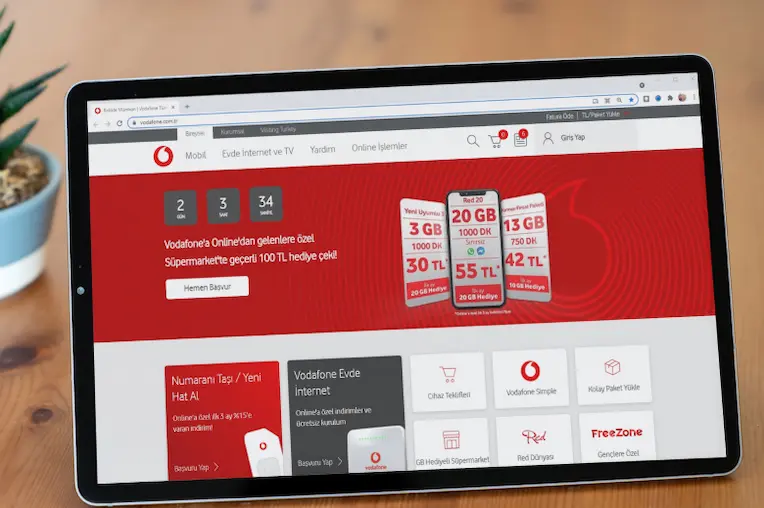
The Vi website provides a complete view of your Vodafone balance and plan details. Here’s how to check your Vi balance online:
1. Login (or Sign Up): Visit the Vi Official Website
- Existing users: Click “Login” and enter your Vi mobile number and password.
- New users: Click “Sign Up” and follow the steps to create an account using your Vi mobile number.
2. Find your balance:
- Once logged in, look for the “My Account” section on the dashboard.
- Your main balance for calls and SMS will be displayed prominently.
3. For detailed information:
- Click on “Balance & Recharge” on the dashboard.

Also Read: Airtel Balance Check Number

Check Vodafone Balance Using WhatsApp
Vodafone users now have the convenience of checking their balance and accessing various other services through WhatsApp, courtesy of the Vi Care WhatsApp Helpdesk. Here’s how to do it:
- Save the Vi Care WhatsApp Number: +91 9654297000
- Start a chat with Vi Care: Open WhatsApp and search for the saved number or click on the link above.
- Select your preferred language: Vi Care will send you a welcome message offering language options. Reply with the number corresponding to your language.
- Choose “Recharge & Balance” option: You’ll receive a menu with various options. Reply with “1” for “Recharge & Balance.”
- Select “Check Balance” or “Detailed Balance”: The next message provides further options. Reply with “1” for “Check Balance” to get your main balance or “2” for “Detailed Balance” to get comprehensive information like validity, recharge balance, and active services.
- Receive your balance information: Vi Care will send you an SMS with your requested balance details.
Also Read: Balance Check BSNL
Check Vodafone Balance Using IVRS
For those who prefer a traditional approach to managing their Vodafone mobile accounts, the Interactive Voice Response System (IVRS) remains a valuable tool. This guide outlines the steps involved in checking your Vodafone balance using IVRS:
To check your Vodafone balance using IVRS (Interactive Voice Response System), follow these simple steps:
- Dial the Vodafone balance check number from your Vodafone mobile phone. The number to dial is usually *111# or *141#.
- Follow the instructions provided by the IVRS system. You may be prompted to select the language of your choice and then to choose the option for balance inquiry.
- After selecting the balance inquiry option, the IVRS system will provide you with details about your available balance, data usage, and validity of your current plan.
- Listen carefully to the information provided by the IVRS system, and note down the details if needed.
Also Read: TRAI – New Rules, and Its Impact
By following these steps, you can easily check your Vodafone balance using the IVRS system.
Whether you’re a tech-savvy smartphone user or a believer of classic IVRS interactions, Vodafone offers a diverse landscape of options to keep your finger on the pulse of your mobile balance.
Remember, staying informed about your balance helps with efficient account management. You can avoid unexpected service disruptions, optimise your data usage, and make informed recharge decisions.
So, go ahead, explore the various methods we’ve outlined, and conquer the world of Vodafone balance checks with confidence!

Download the Buddy Loan App Now!
One solution to each of your financial needs at your fingertip.

Scan to download now